Safe GPS Usage On The Road: Tips From Get Drivers Ed
TL;DR
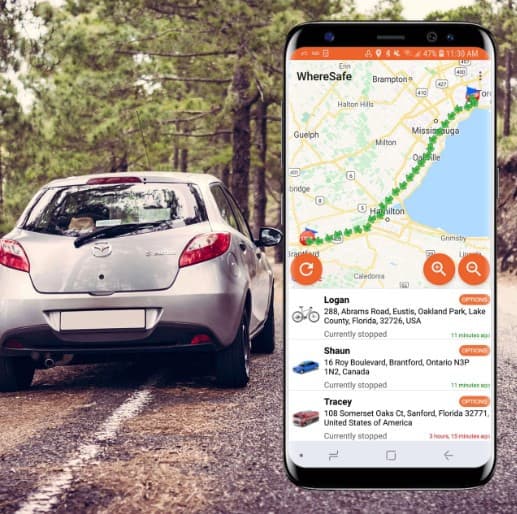
Pre-trip planning and using voice guidance are key for safe GPS use.
Mount your GPS securely, update it regularly, and avoid programming while driving.
Stay alert and balance technology with traditional navigation skills.
Smart GPS Use: Safe Navigation Tips for Drivers
In today’s fast-paced world, GPS technology has become a must-have tool for drivers. Whether you’re navigating unfamiliar streets or planning a long trip, a GPS can provide valuable assistance. However, it's crucial to use it safely—especially for new drivers.
At Get Drivers Ed, we emphasize the importance of integrating technology safely into driving practices. In this blog, we'll share essential tips for using GPS responsibly on the road, in alignment with our comprehensive drivers ed curriculum.
1. Pre-Trip Planning: Know Your Route Before You Go
How It Helps:
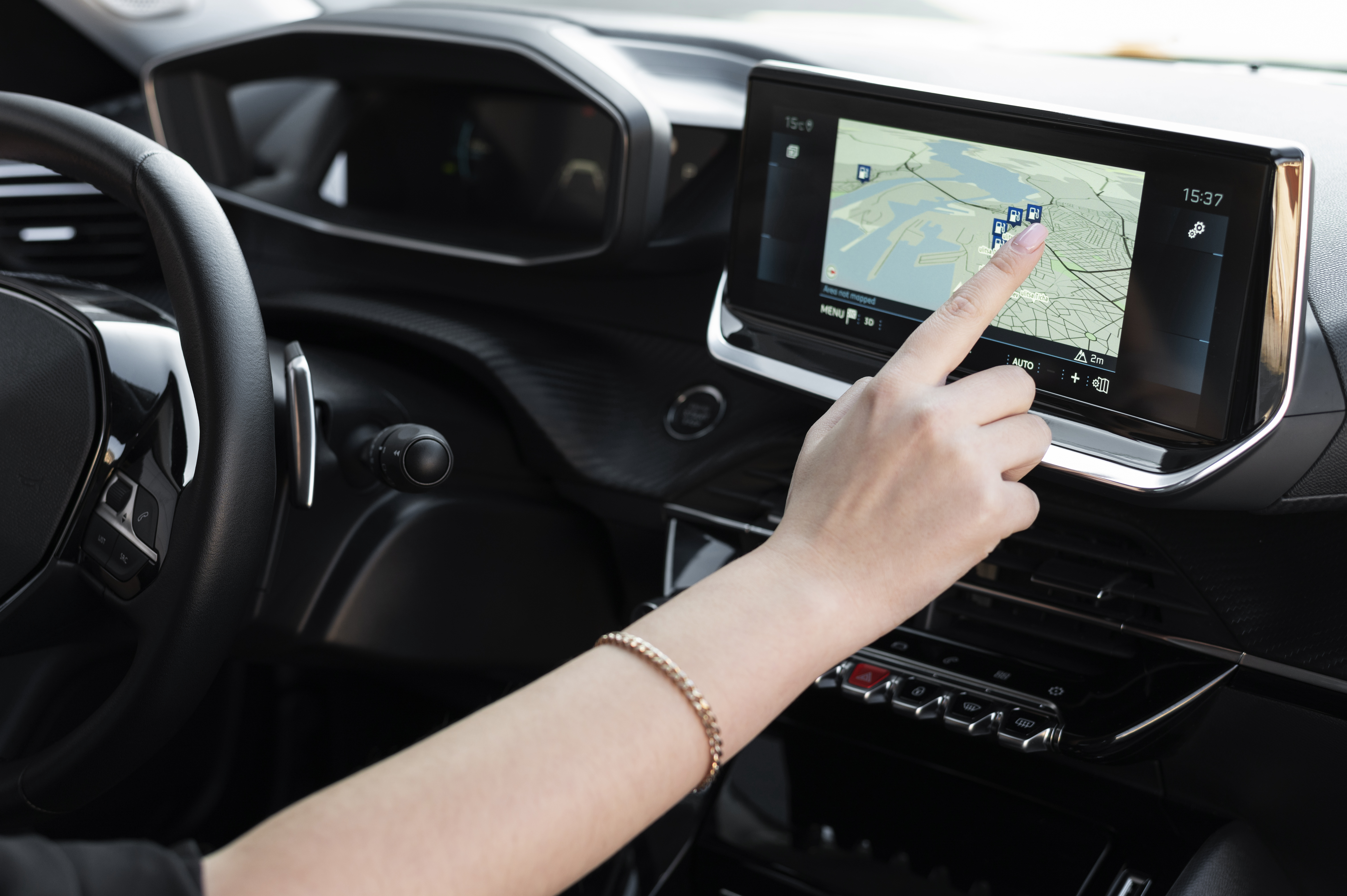
Before starting your journey, take the time to plan your route using your GPS. This helps reduce distractions during the drive and ensures you’re familiar with the main roads and exit points.
Get Drivers Ed Insight:
In our drivers ed courses, we encourage students to review their route before driving. Doing so minimizes the need to adjust GPS settings mid-drive—keeping your attention where it belongs: on the road.
2. Voice Guidance Over Visuals: Keep Your Eyes on the Road
Why It’s Safer:
Voice-guided navigation allows you to listen to directions instead of looking at the screen, reducing distractions and helping you maintain focus.
Get Drivers Ed Tip:
Our online driving lessons teach students to minimize visual distractions. Using voice guidance over on-screen navigation is one of the simplest ways to stay safe.
3. Mount Your Device Properly: Make Sure It’s Visible and Secure
Best Practices for Placement:
Mount your GPS securely where it’s visible yet doesn’t obstruct your view. Avoid holding it or placing it where it can slide or distract you.
Get Drivers Ed Advice:
At Get Drivers Ed, we stress the importance of proper device setup before hitting the road. Positioning your device safely helps you stay focused on driving conditions.
4. Update Your GPS Regularly: Stay Informed with Current Information
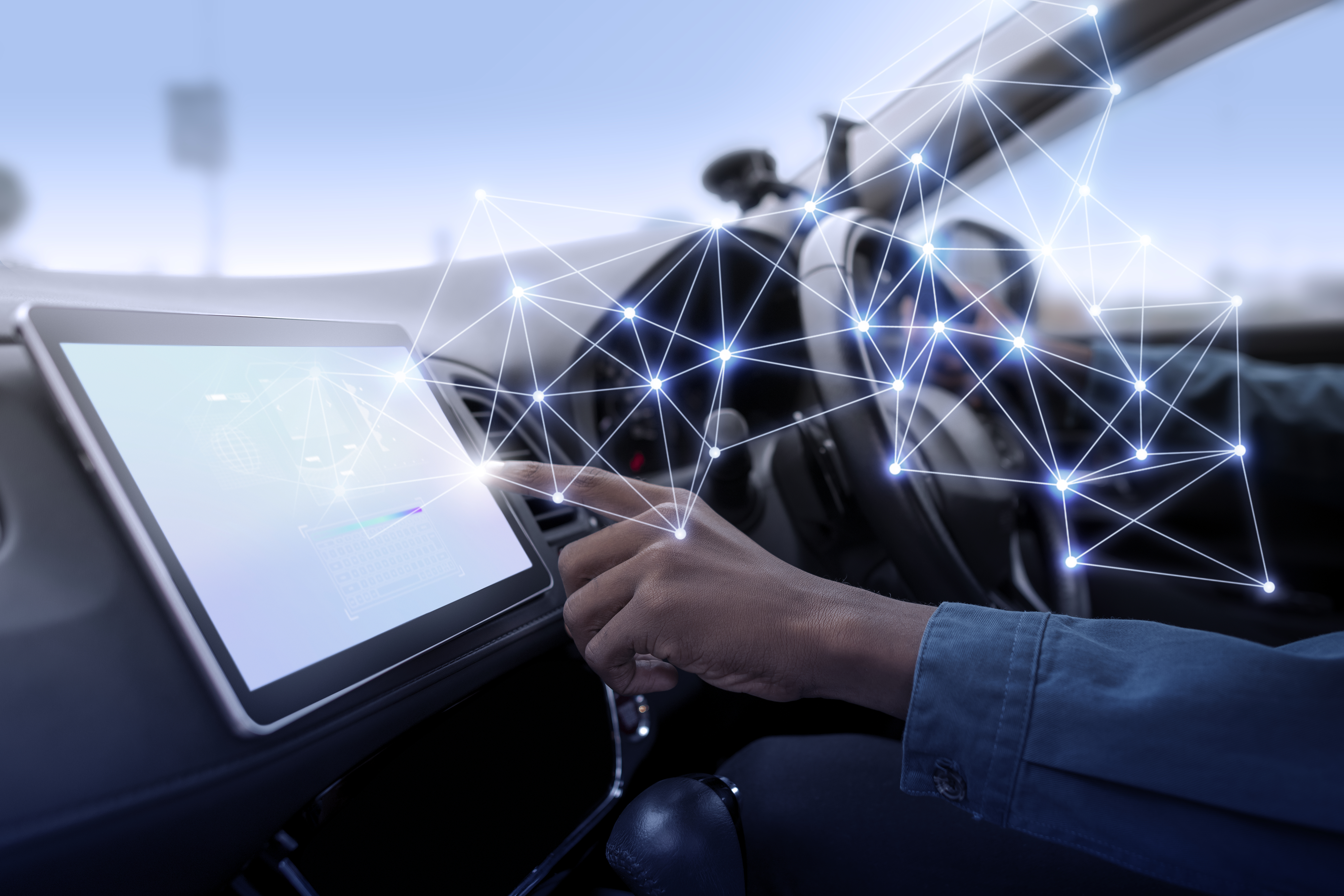
Why Regular Updates Are Essential:
An outdated GPS can lead you astray due to new roads, closures, or traffic changes. Regular updates ensure accuracy and reduce navigation errors.
Get Drivers Ed Insight:
Students in our online driving courses learn that maintaining up-to-date software—including GPS—is part of being a responsible driver.
5. Avoid Programming While Driving: Stop and Adjust Safely
Risks of Changing Settings on the Move:
Adjusting GPS settings while driving diverts attention, increasing accident risk. Always pull over safely before making changes.
Get Drivers Ed Rule:
Our driver safety programs emphasize stopping in a safe place before adjusting navigation tools or any in-car technology.
6. Know Your Route Basics: Balance GPS and Traditional Navigation
.jpg1759973819.jpg)
Why You Should Still Know the Basics:
While GPS is convenient, knowing general directions and key landmarks helps if your device malfunctions or gives wrong directions.
Get Drivers Ed Encouragement:
At Get Drivers Ed, we teach students to balance technology with real-world navigation skills—so they can stay confident and adaptable.
7. Stay Alert: Don’t Let GPS Replace Your Judgment
The Importance of Staying Engaged:
GPS is a tool, not a substitute for awareness. Stay attentive to traffic signals, pedestrians, and road conditions—even when following directions.
Get Drivers Ed Tip:
Our defensive driving lessons highlight maintaining full awareness while using technology. Trust your instincts, not just the GPS.
Conclusion
Using a GPS can make driving easier and safer—but only when used responsibly. Plan your trip, rely on voice guidance, secure your device, and never let technology distract you from the road.
If you’re ready to enhance your driving skills and learn how to safely integrate technology into your driving habits, Get Drivers Ed is here to help. Explore our online drivers ed courses and start your journey toward becoming a safer, more confident driver today.
Comments
Share your thoughts by leaving a comment below.